
Client – Disney
Studio – In-house
Role – UI + Product Designer
Tech – 22Mile
An all new interactive wayfinding experience for Disney Cruise Line
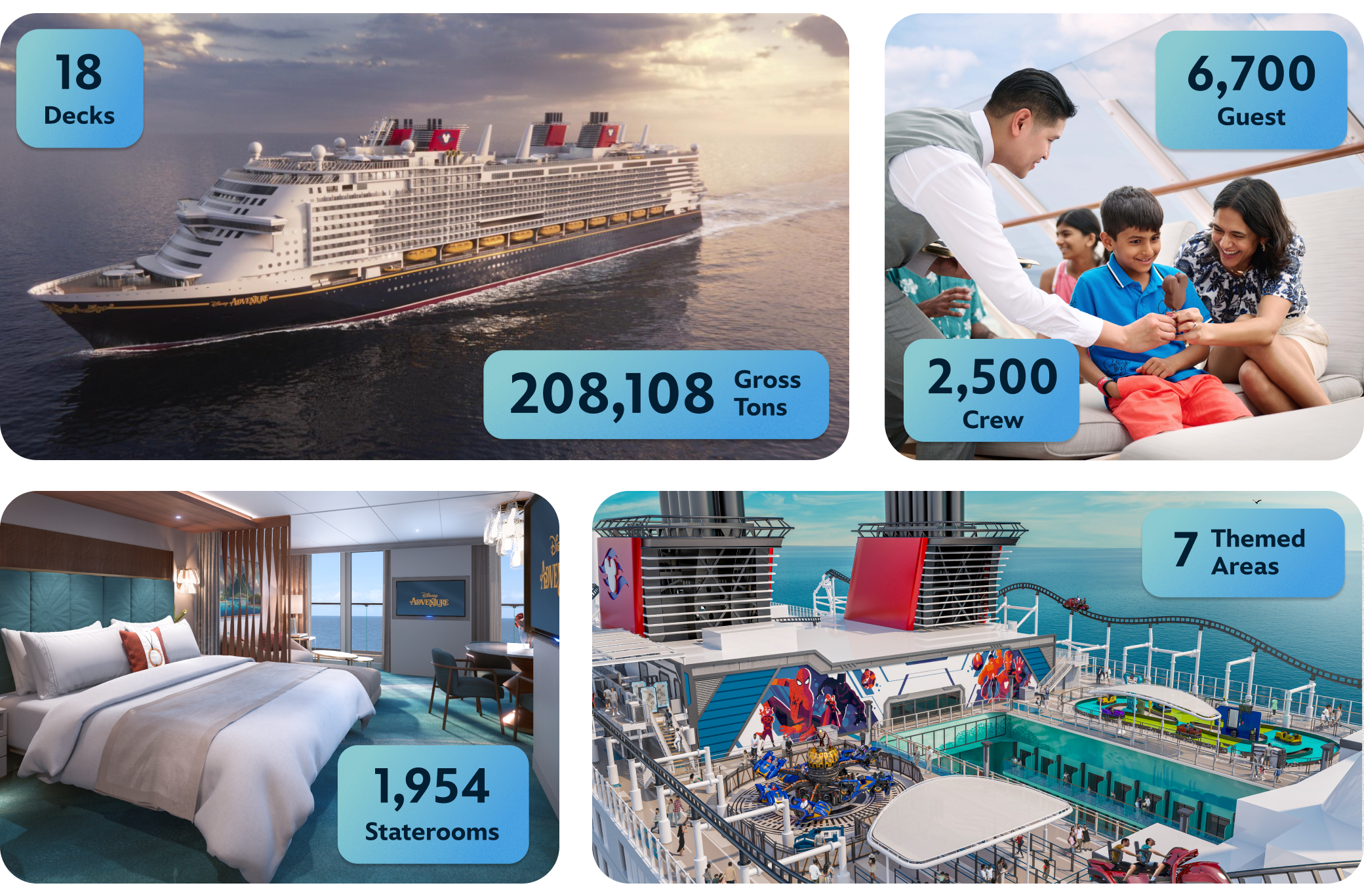
The Disney Adventure is the largest and newest ship to join the Disney Cruise Line fleet, and is the first ship to have a homeport in Asia. Sailing out of Singapore, the ship can accommodate 6,700 guest and 2,500 crew members, making it one of the largest cruise ships in the world. The Adventure offers 3- and 4-night cruises and is designed to be both the journey and the destination, with 7 fully immersive themed areas for families to explore.
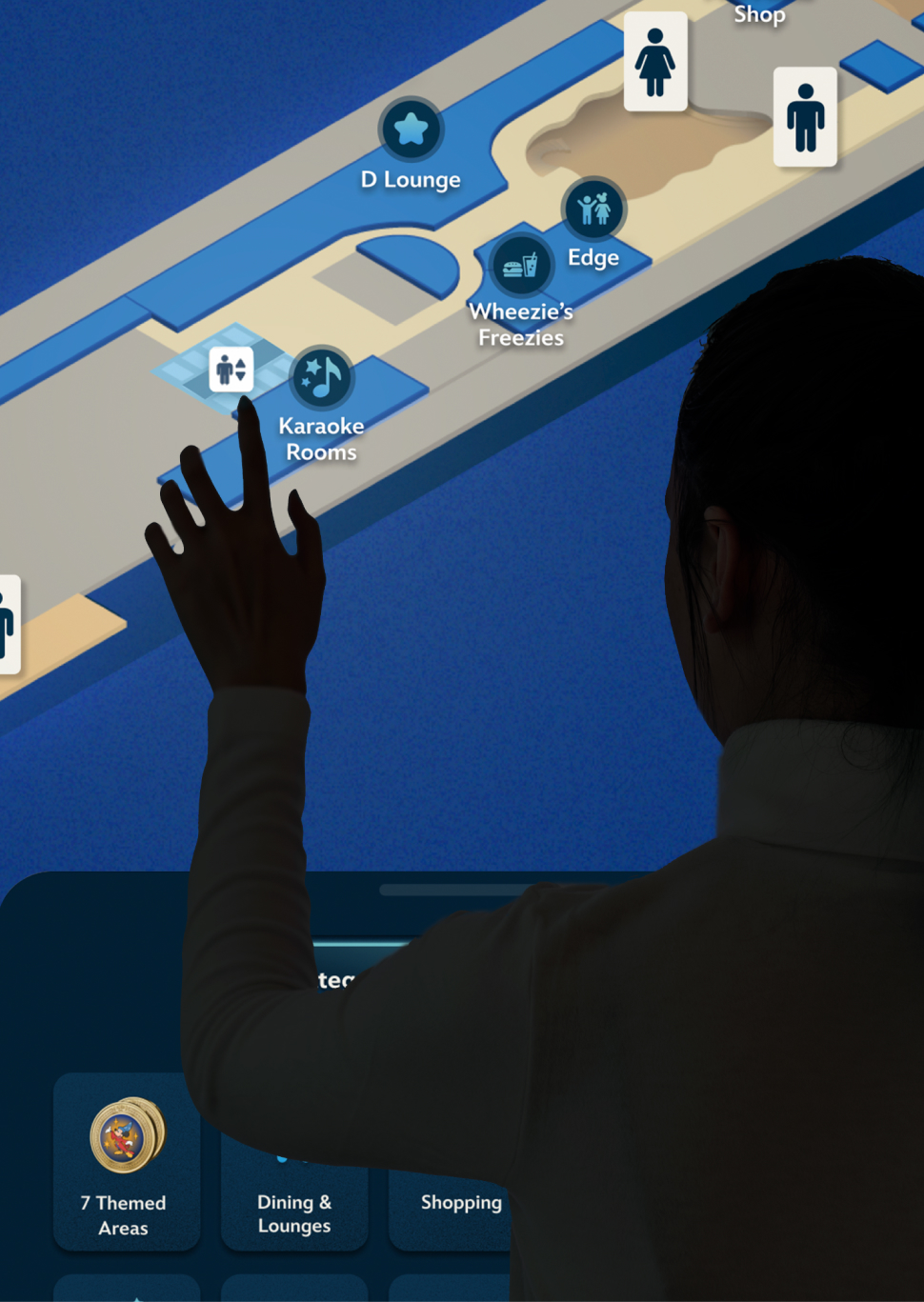
I designed an interactive navigational experience for guest to locate and source directions to any venue aboard the ship.
THE PROBLEM
Because the Adventure is a massive ship that has a unique layout from the rest of the DCL fleet, the business anticipated that guest would need assistance navigating their way across all of the 18 decks. And due to the shorter, (3-day) sailings, it would be important that guest could manage their way around without requiring crew member assistance. I designed a uniqely Disney, interactive wayfinding display, for helping you get from point A to point B.
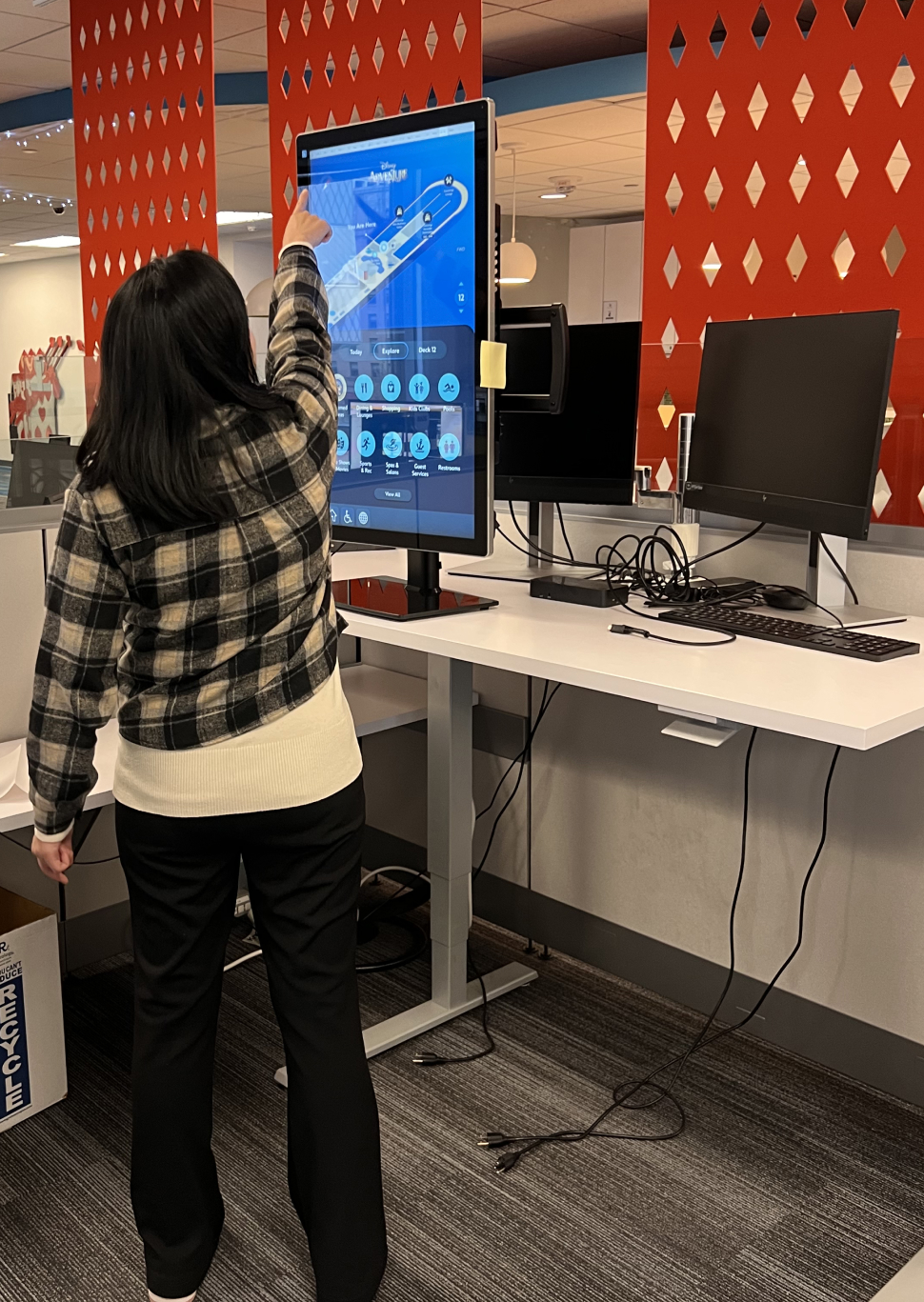
TESTING PROTOTYPES
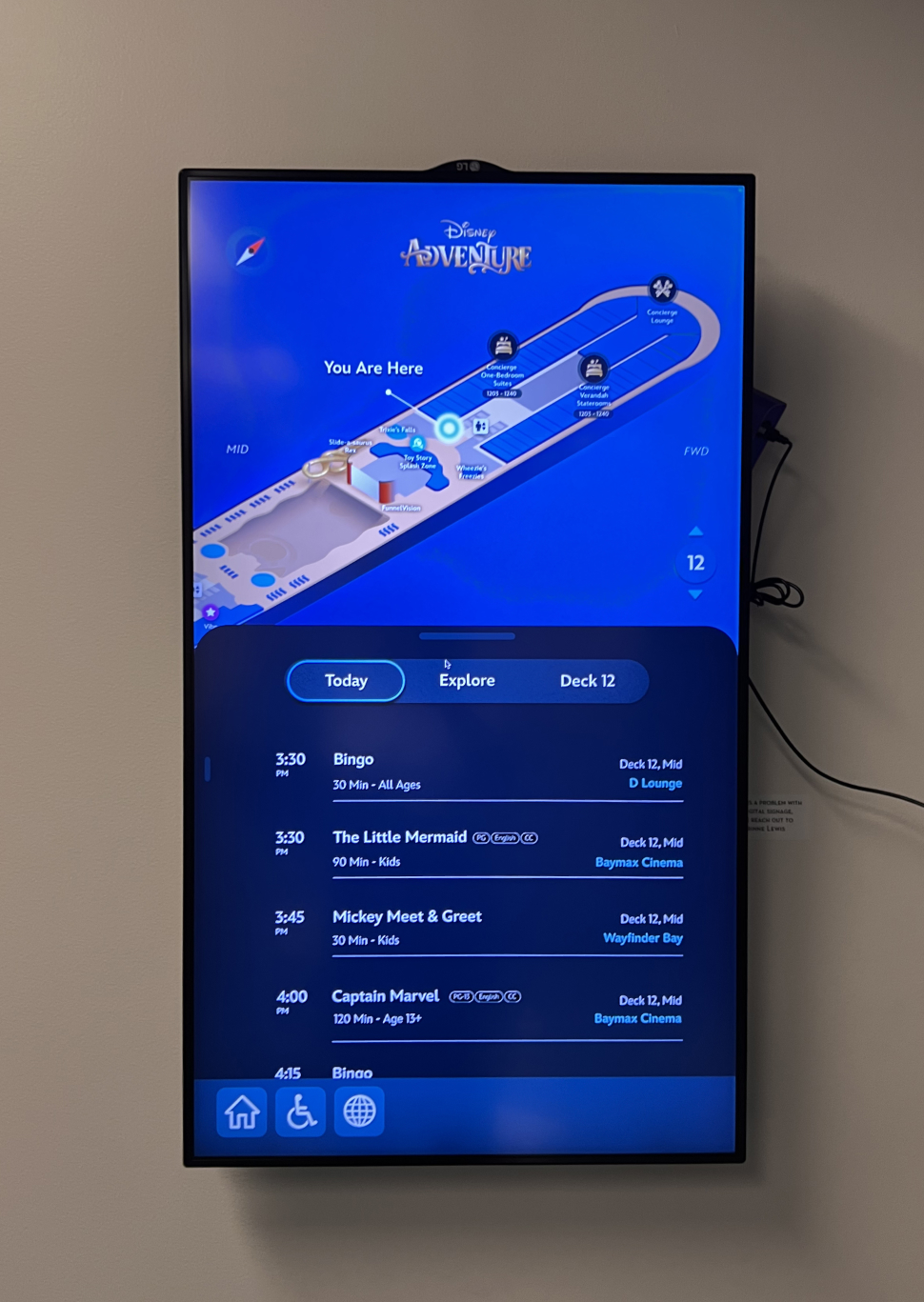
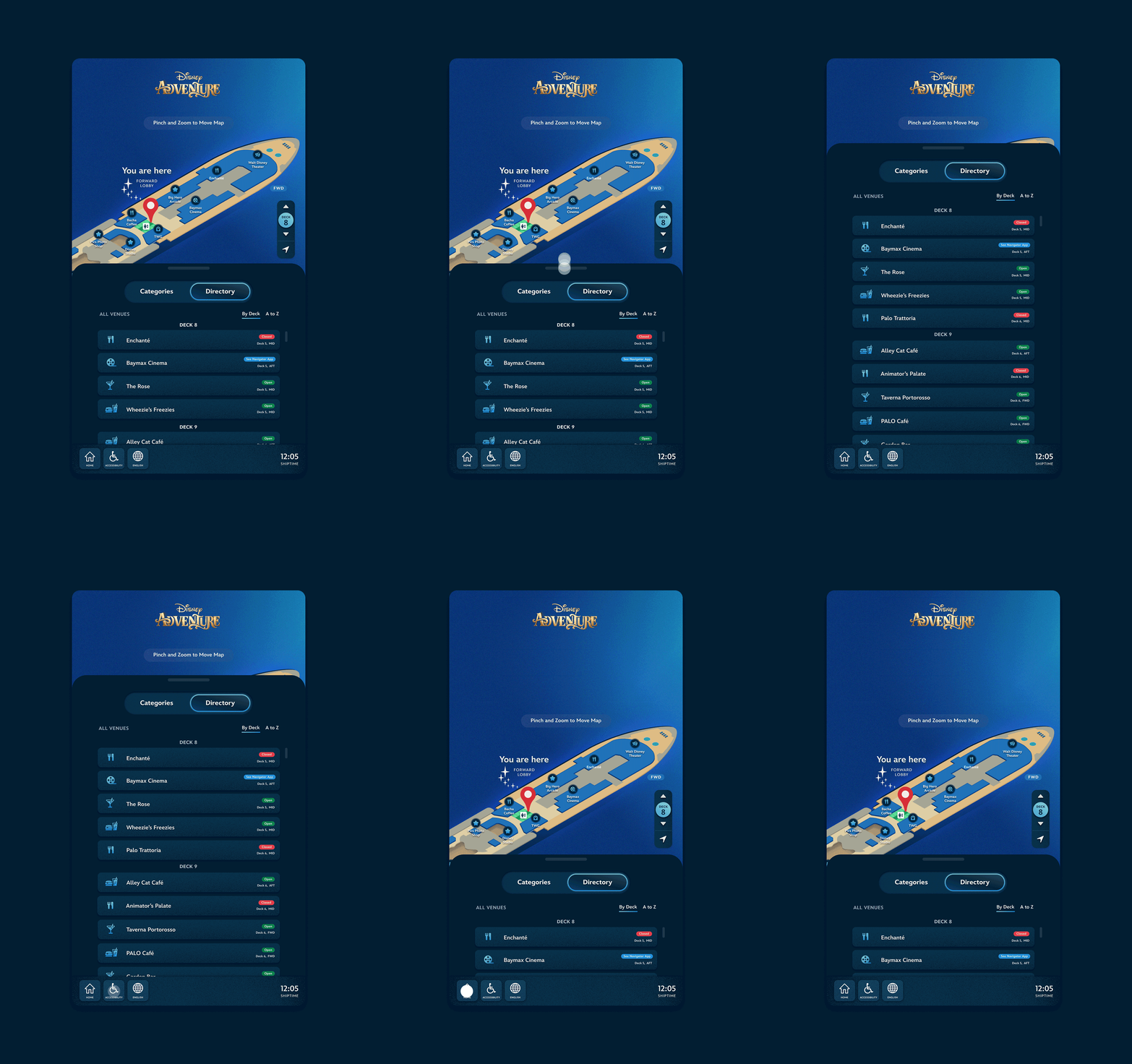
EARLIER ITERATIONS
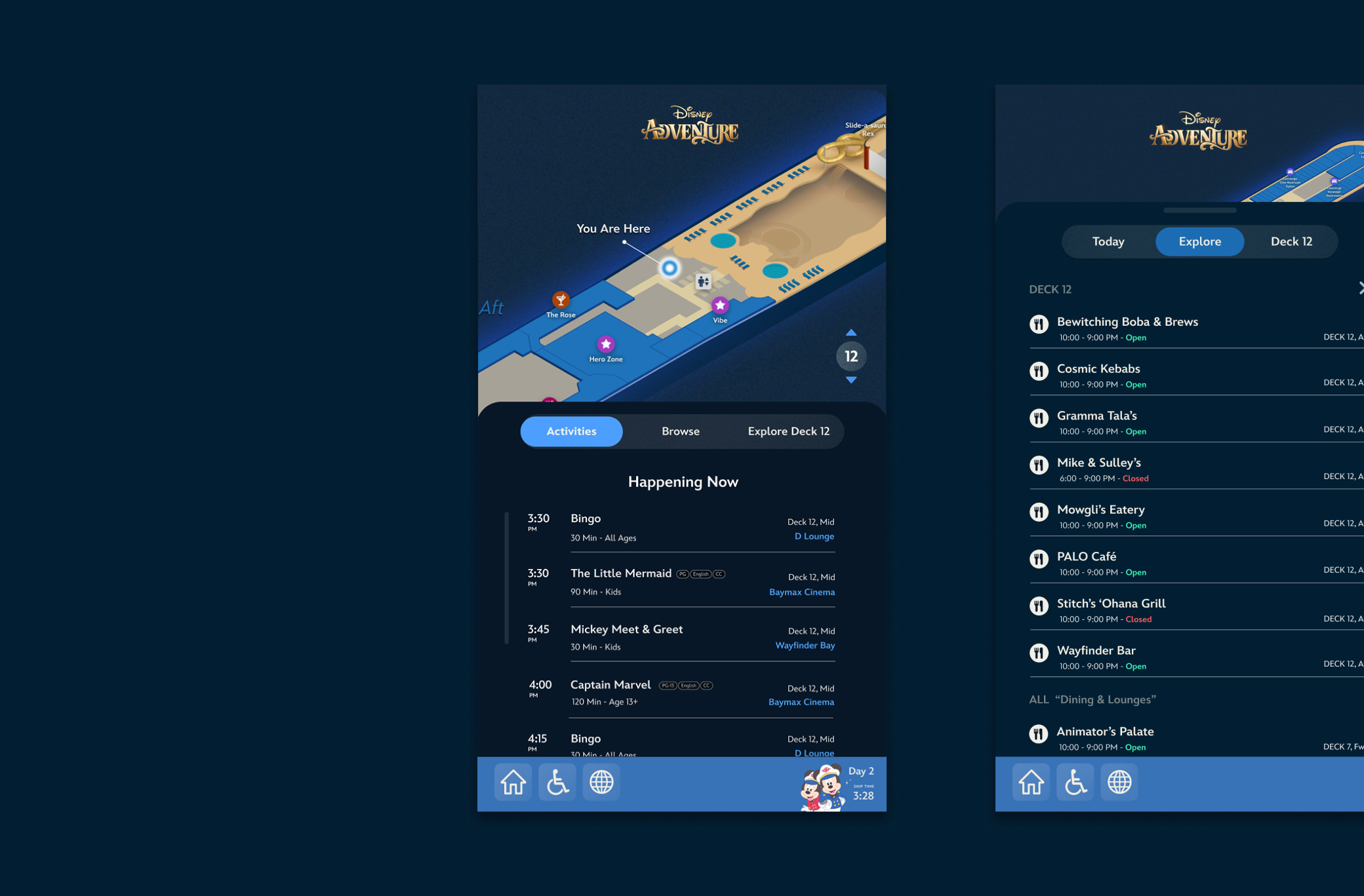
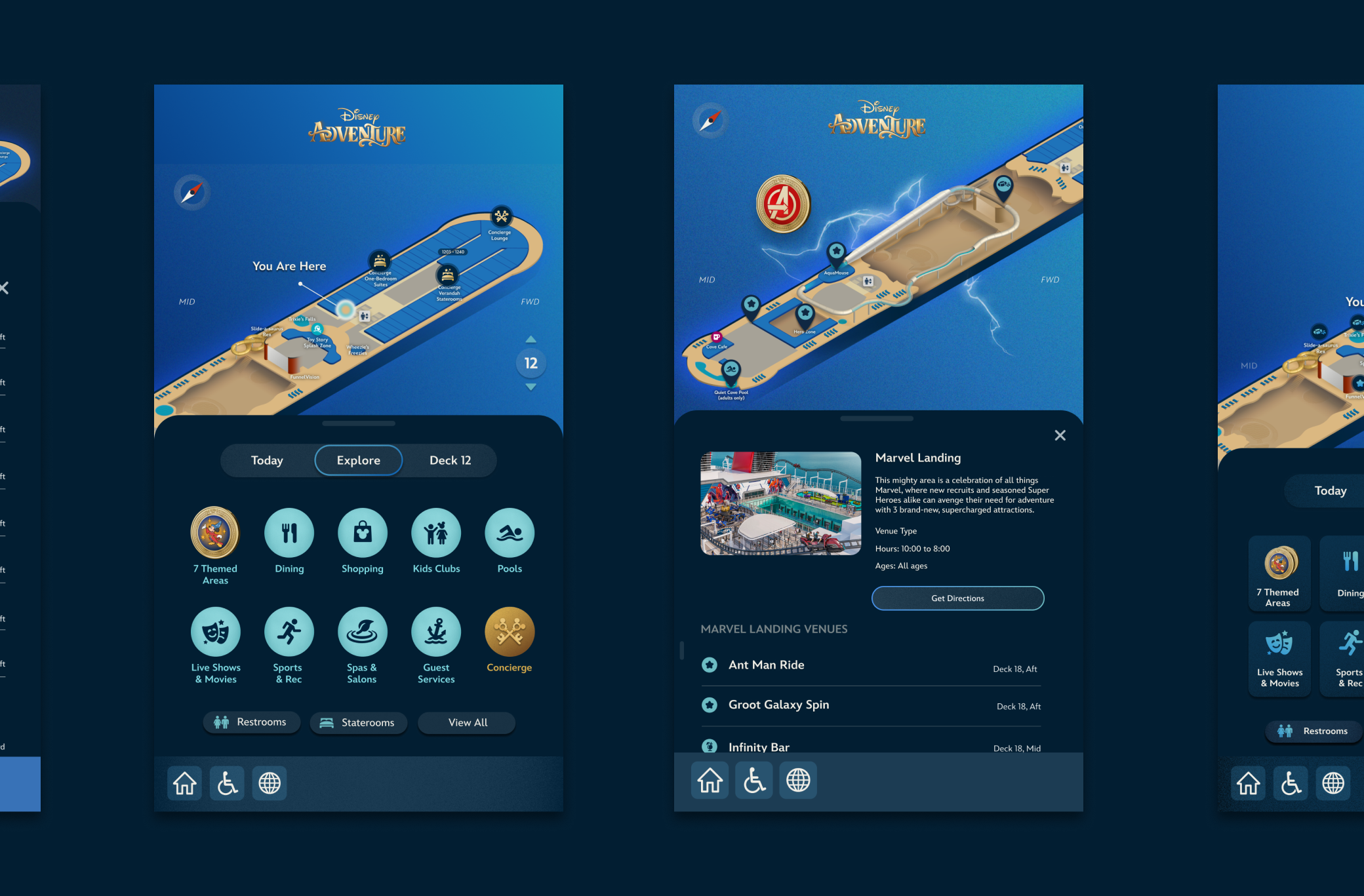
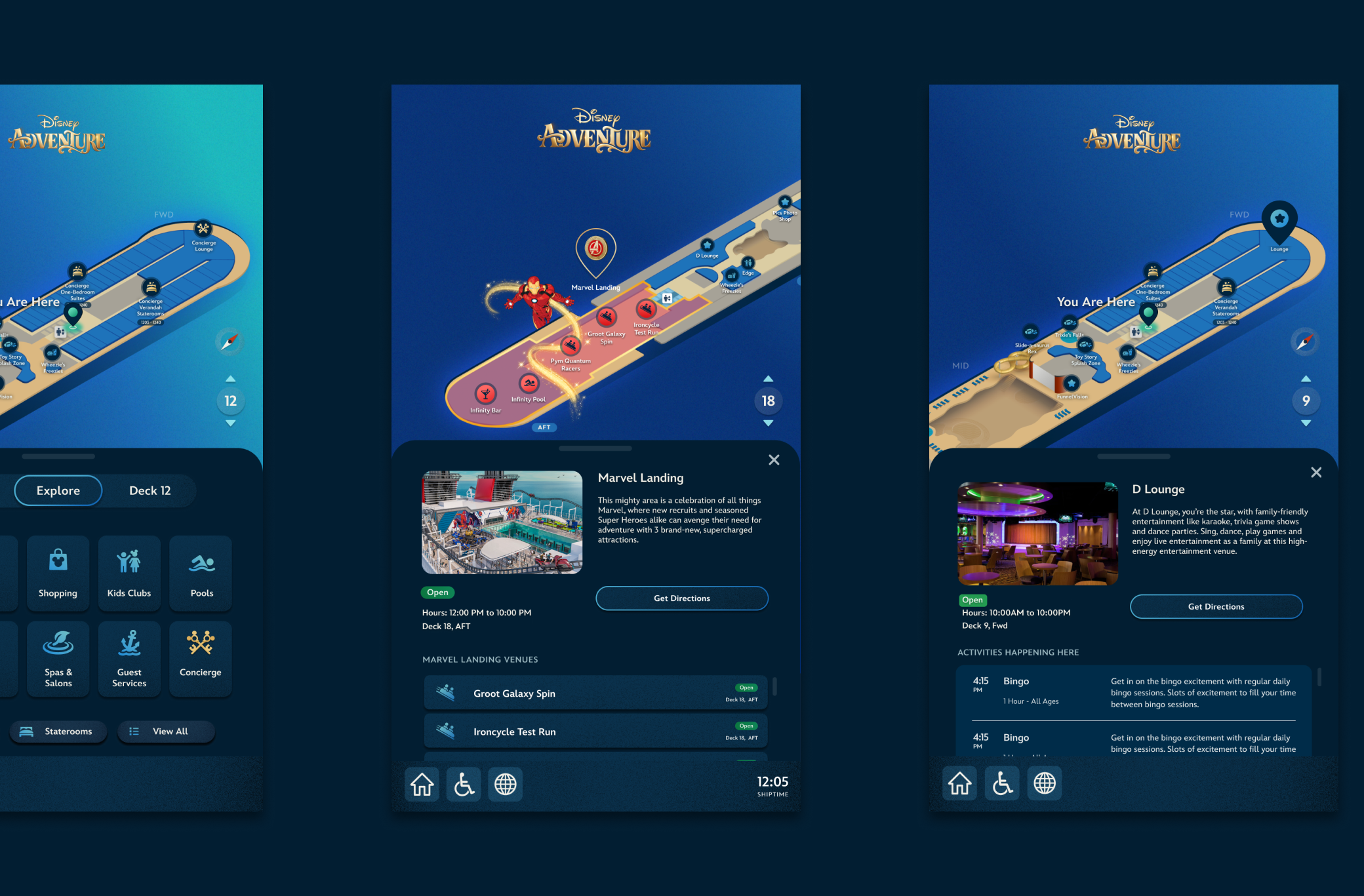
FINAL FLOW
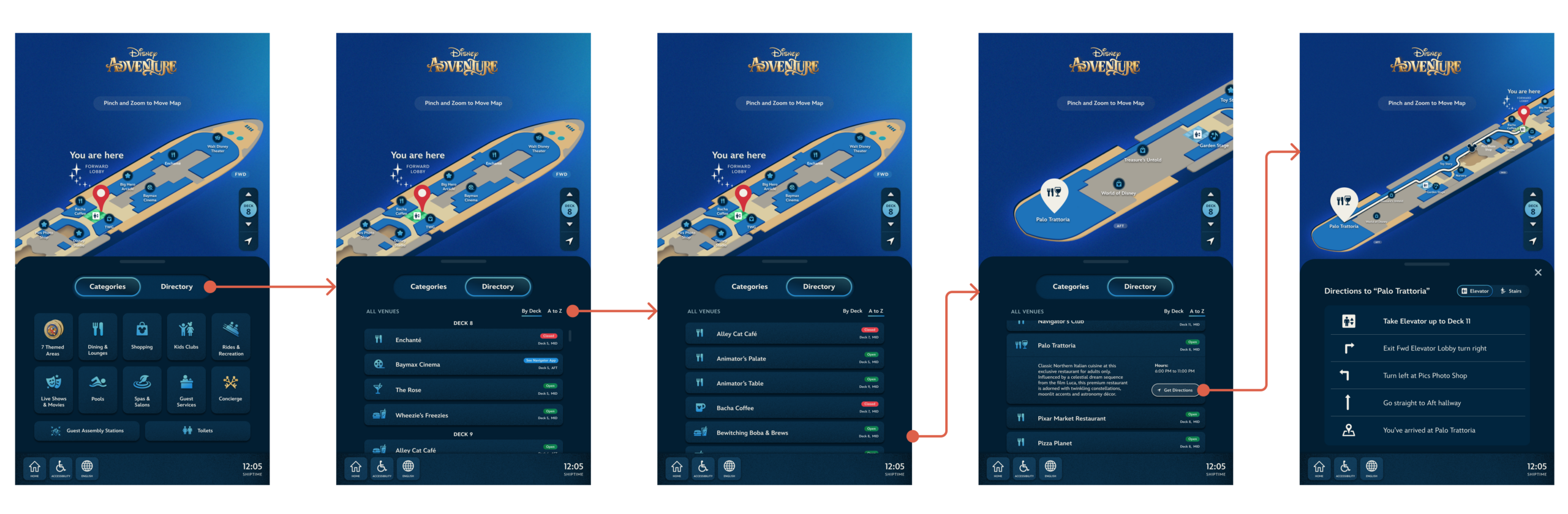
HOME SCREEN
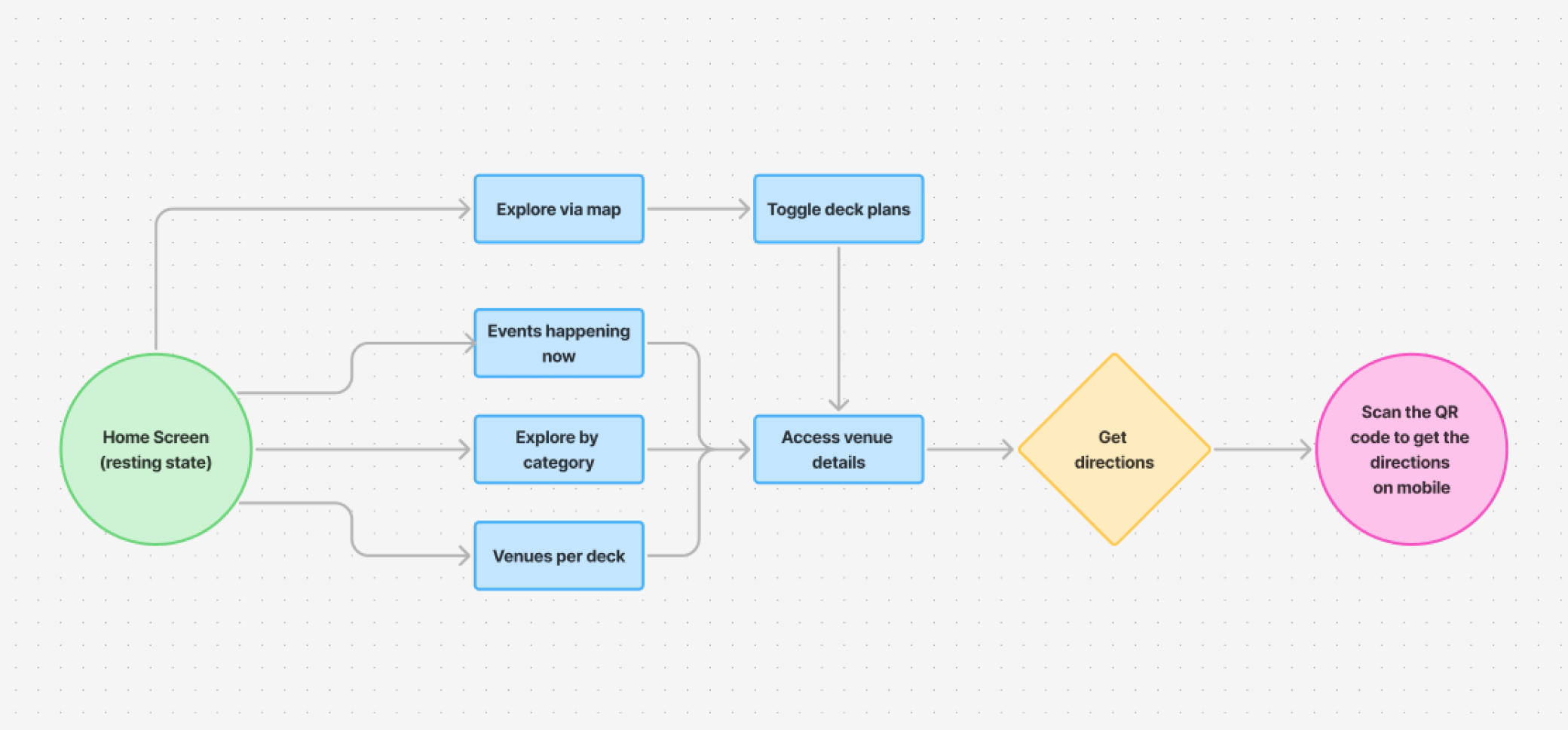
When a guest approaches the display they'll see this resting state. Which helps with the initial understanding of what this display does. The primary toggle allows them to search via categories or by ship directory.
DIRECTORY LIST
The directory list all the venues aboard the ship and it gives guest the option of searching "By Deck" or from "A to Z." Searching by deck, may help you if you're curious to see what's nearby you. Searching alphabetically if helpful when you know the name of the venue you're looking to get to.
GET DIRECTIONS
Once a guest selects their desired venue, they can select the "Get Directions" button to access both the map view and the drawer swaps to show the directions listed out. The directions would always start at the elevator bay on the deck that the venue is on.
CATEGORIES
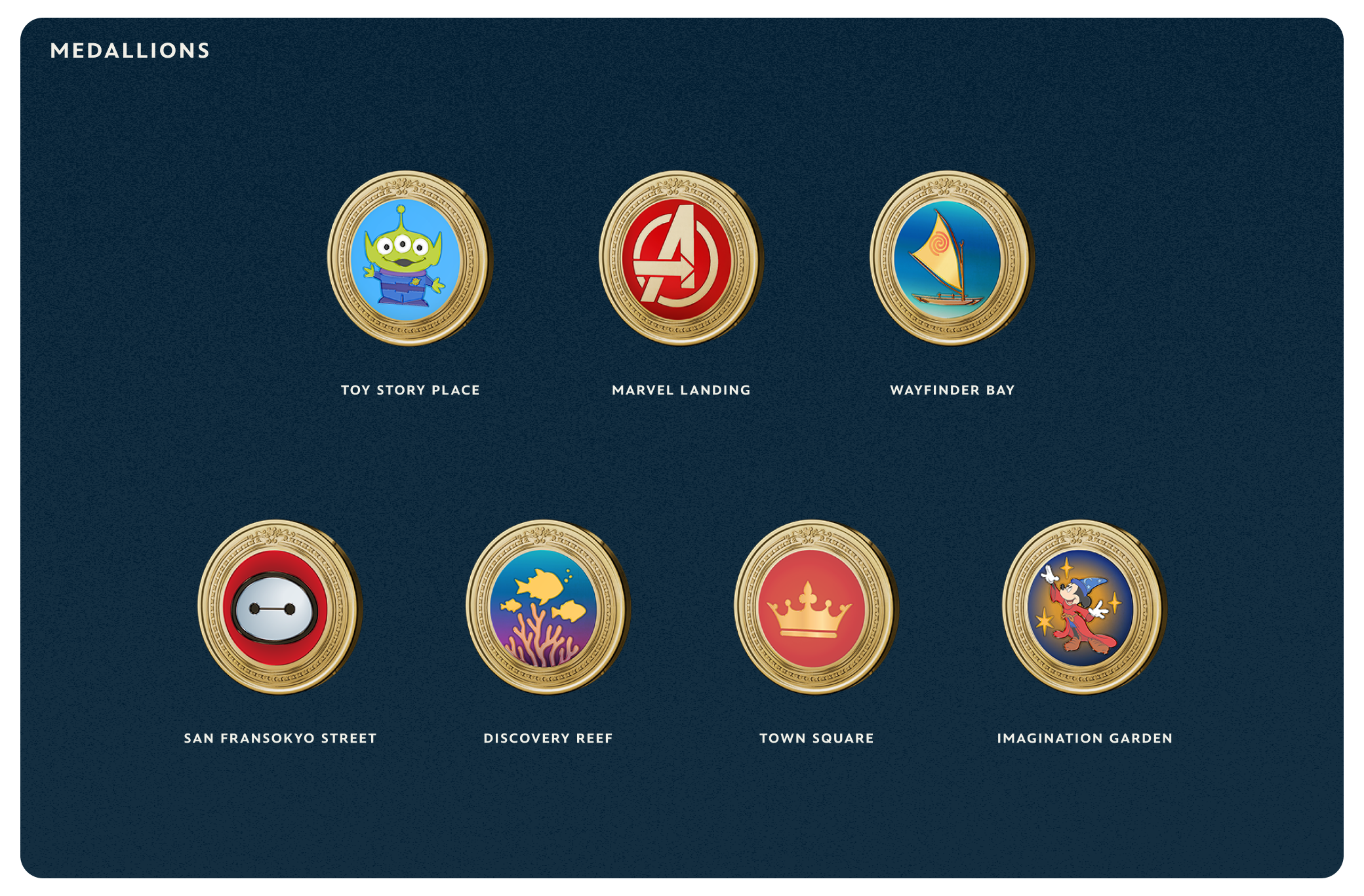
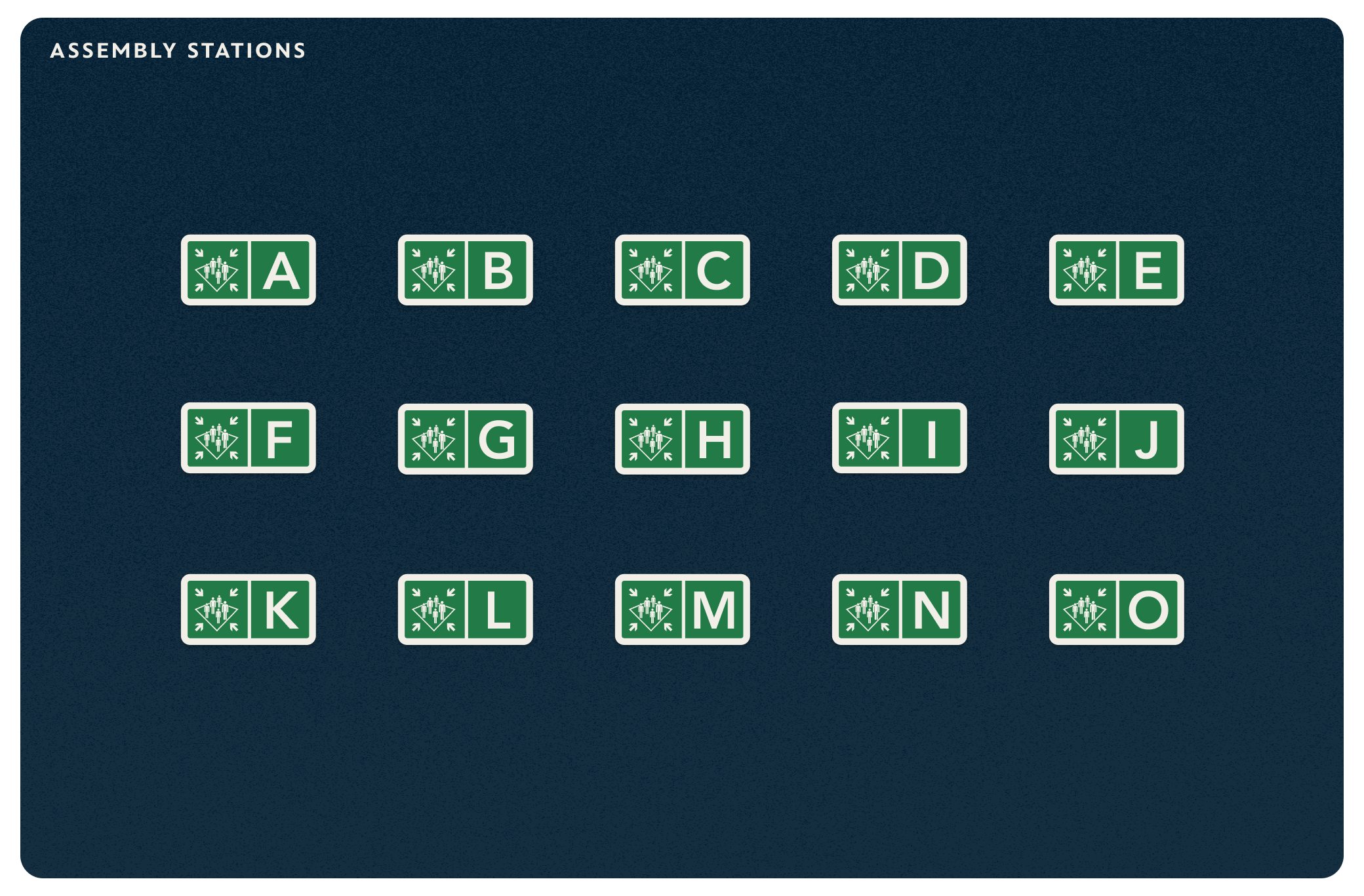
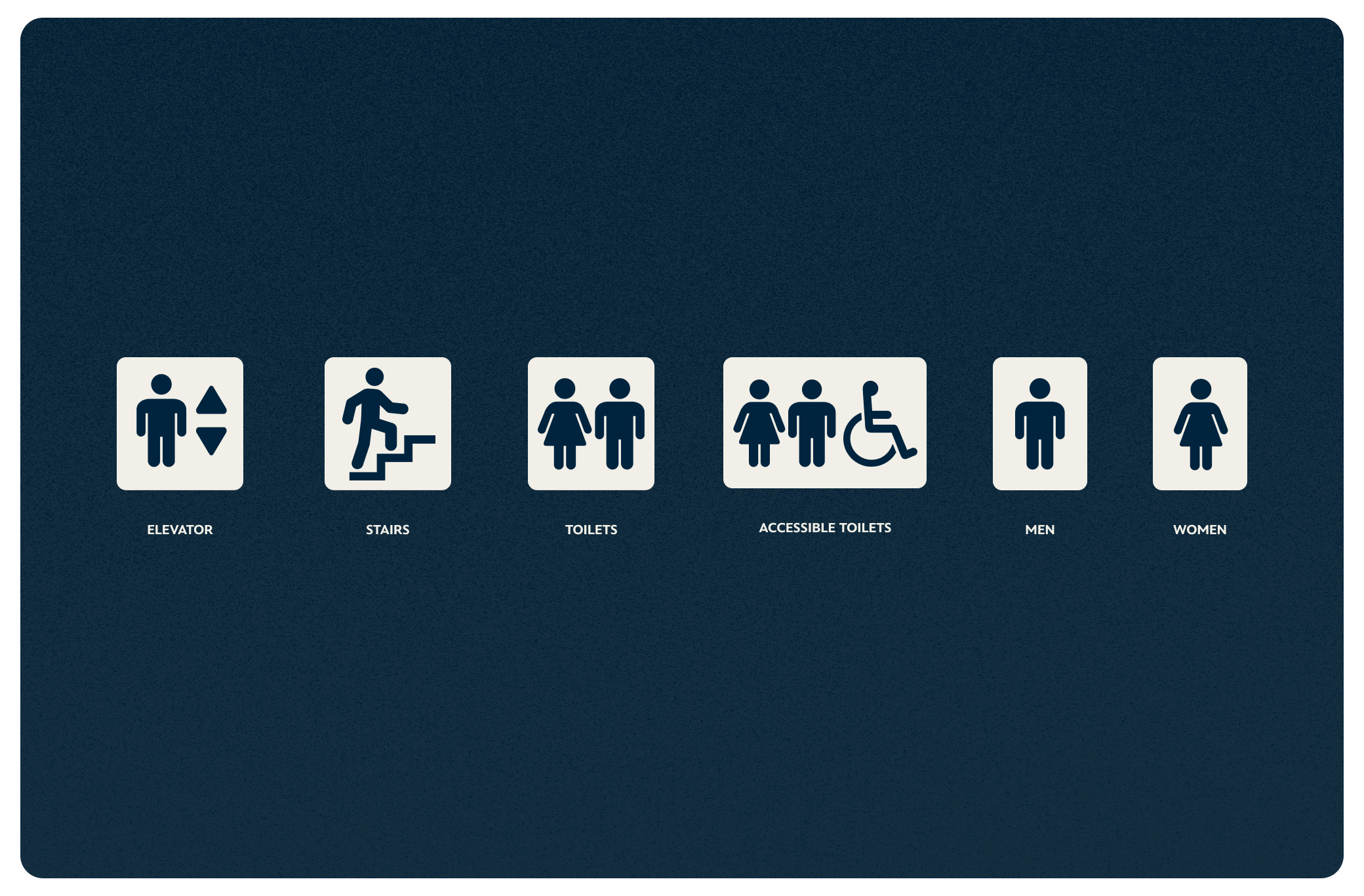
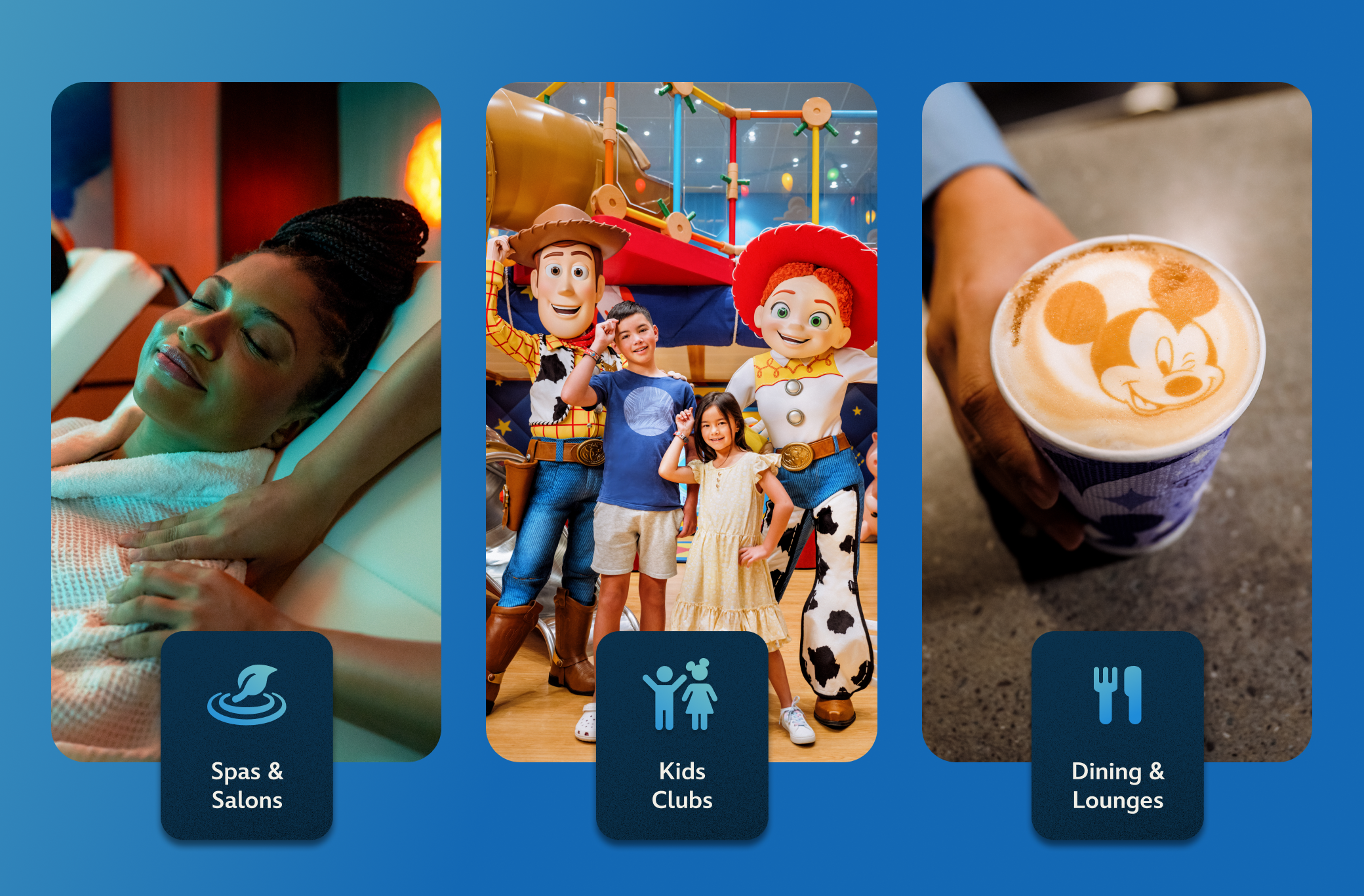
Venues are divide up into 10 main categories, wtih two supporting categories for restrooms and emergency stations. Both 7 Themed Areas and concierge had their own distincitve recognizable imagery in place of icons.
VENUE LIST
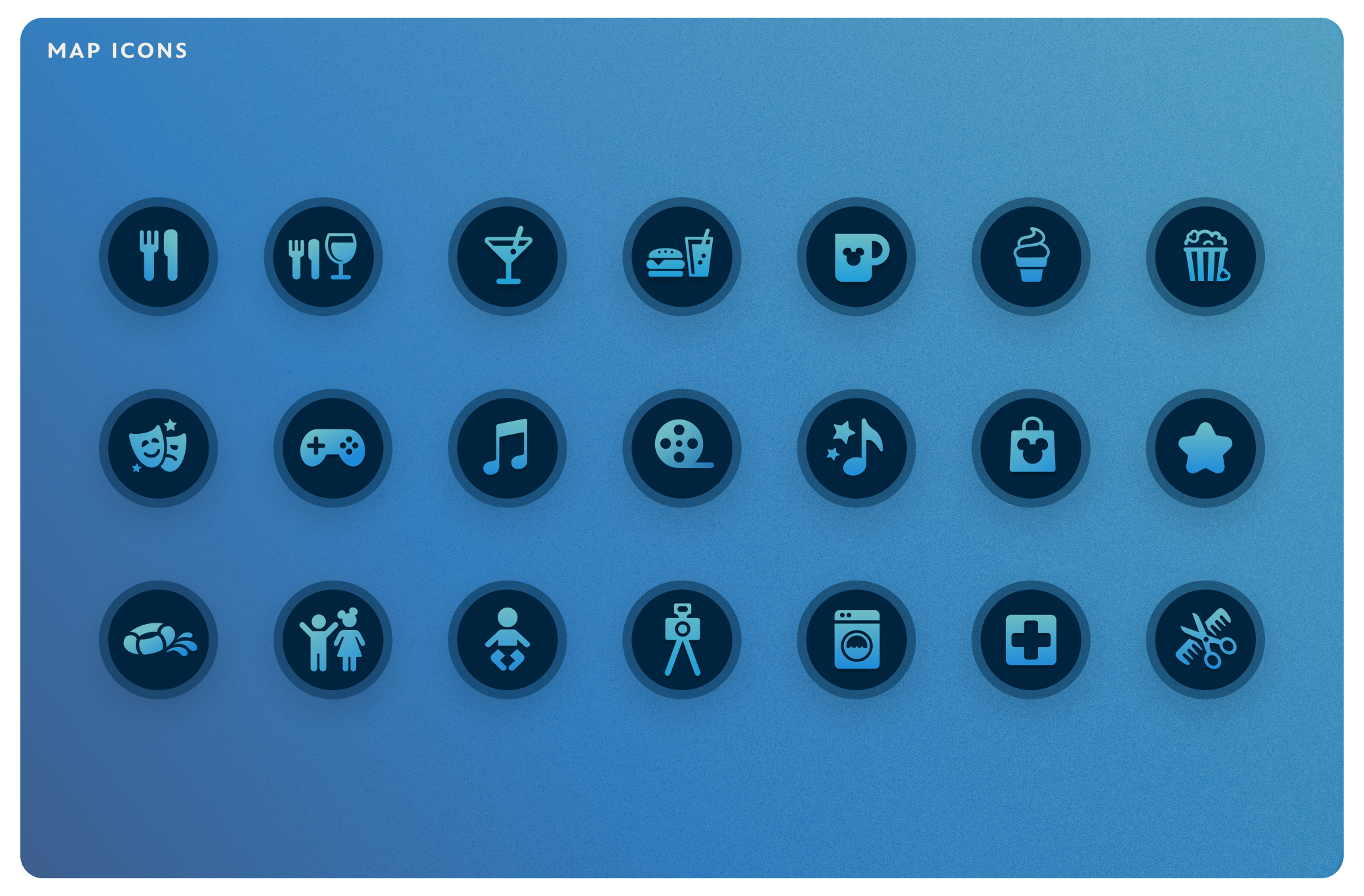
Venue names don't always provide enough information for guest so I used icons for helping to idenifty it's category. Additionally, each location has a badge to show if it's open or closed and the deck number is indicated below.
MAP VIEW
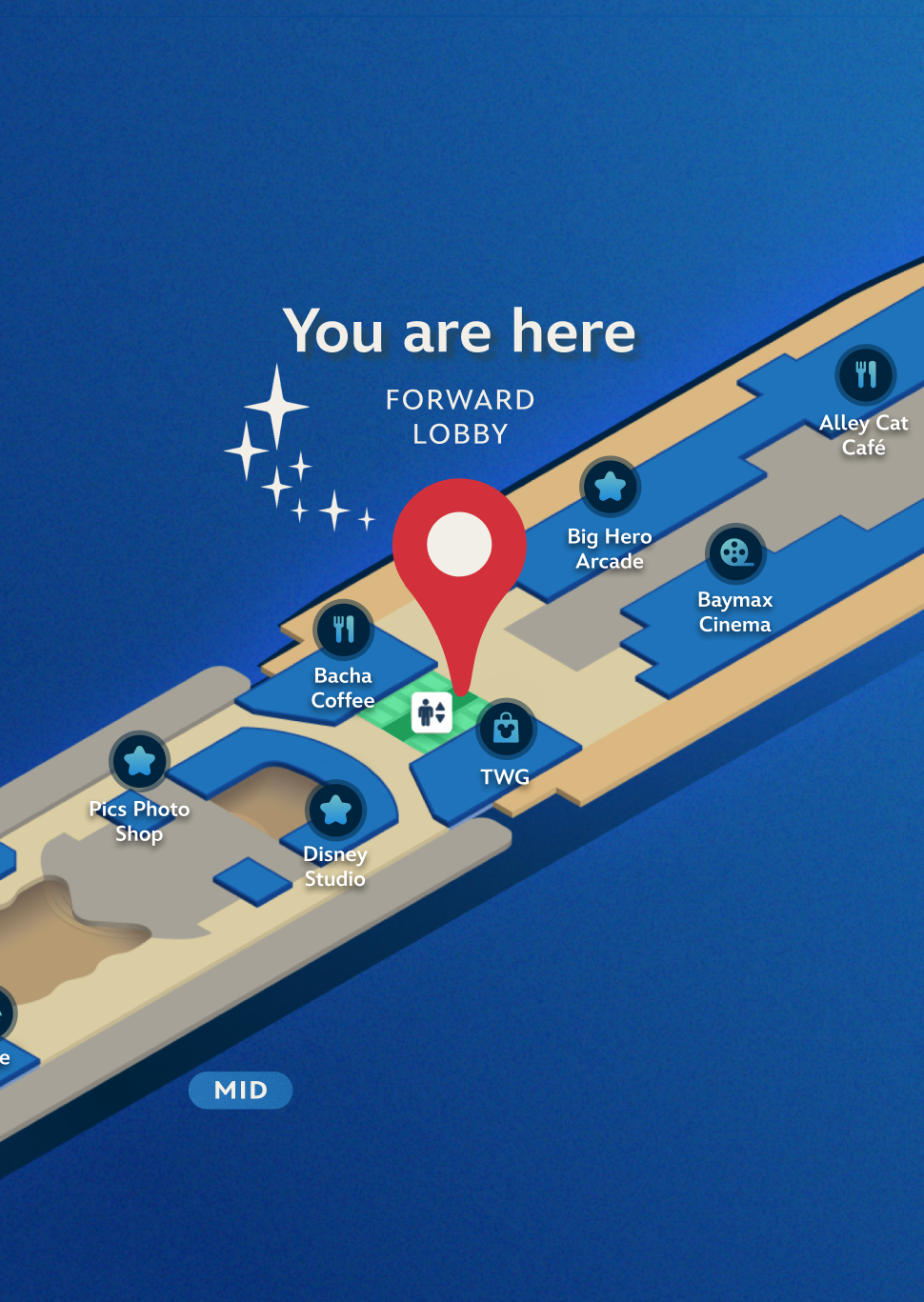
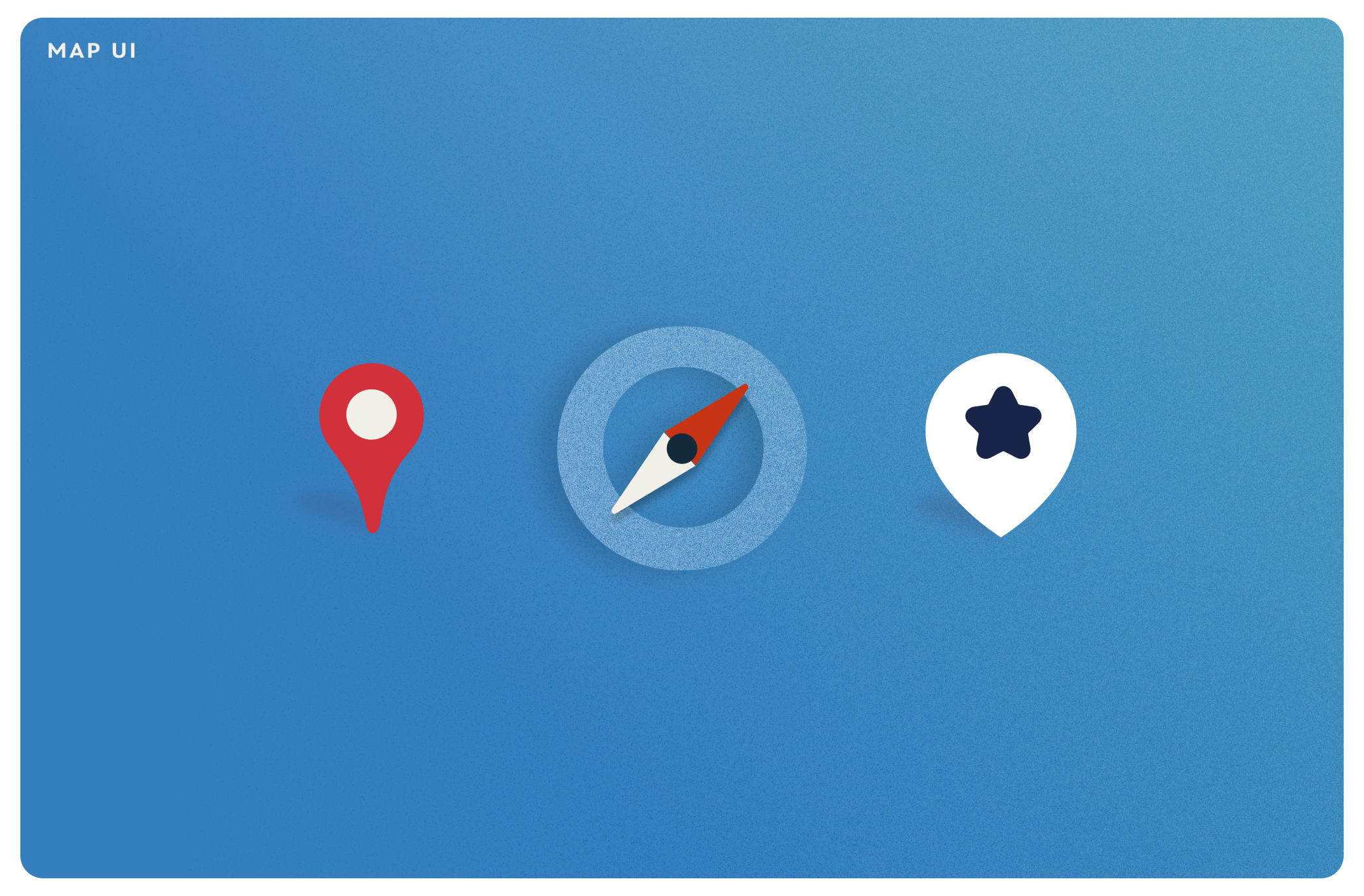
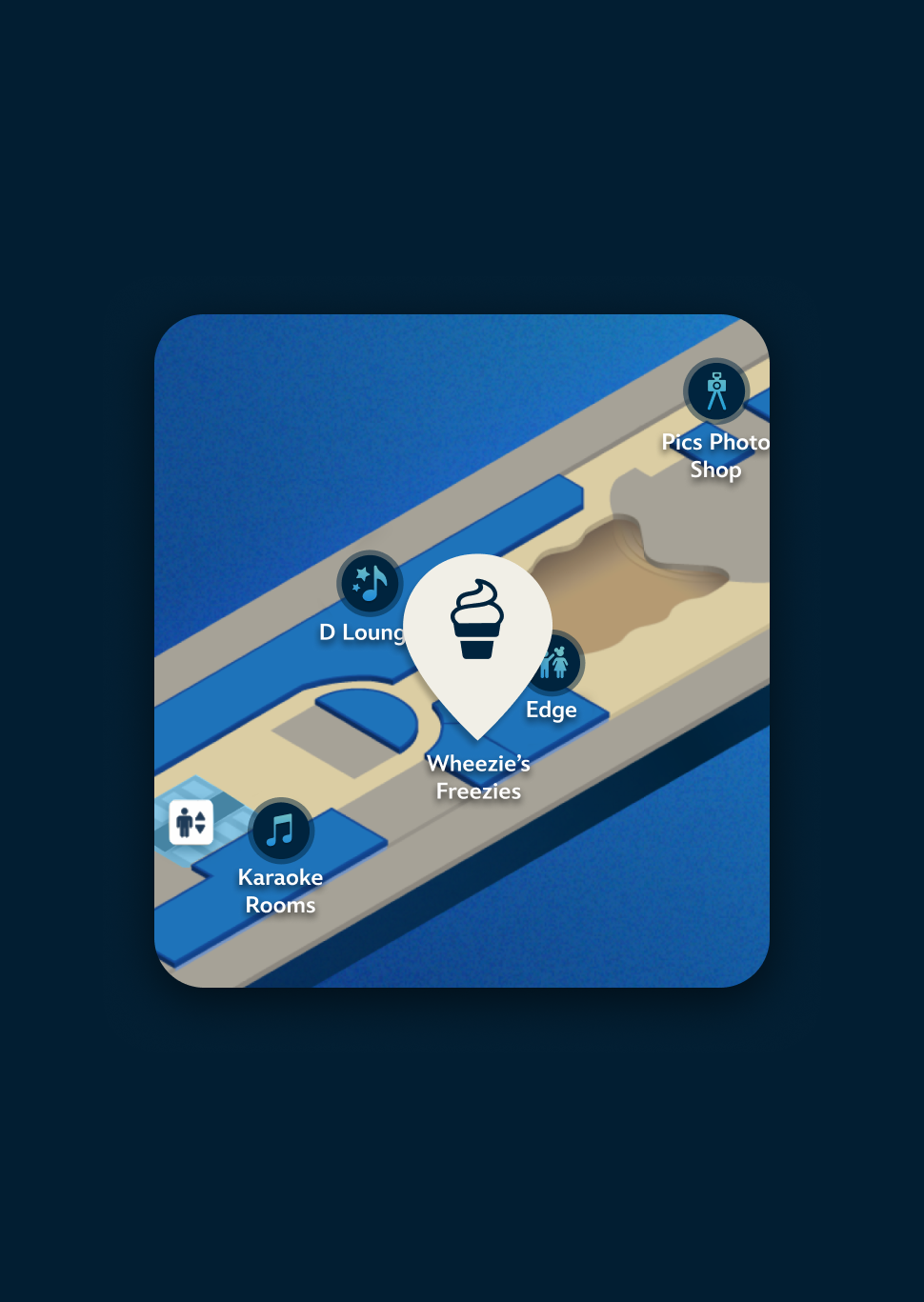
Whenever a venue is selected, via either the drawer or the map– a pin highlights the venue to show it's exact location. The zoom scale of the map was also considered in showing some of the nearby venues as an additional frame of reference.
FINAL DESIGN
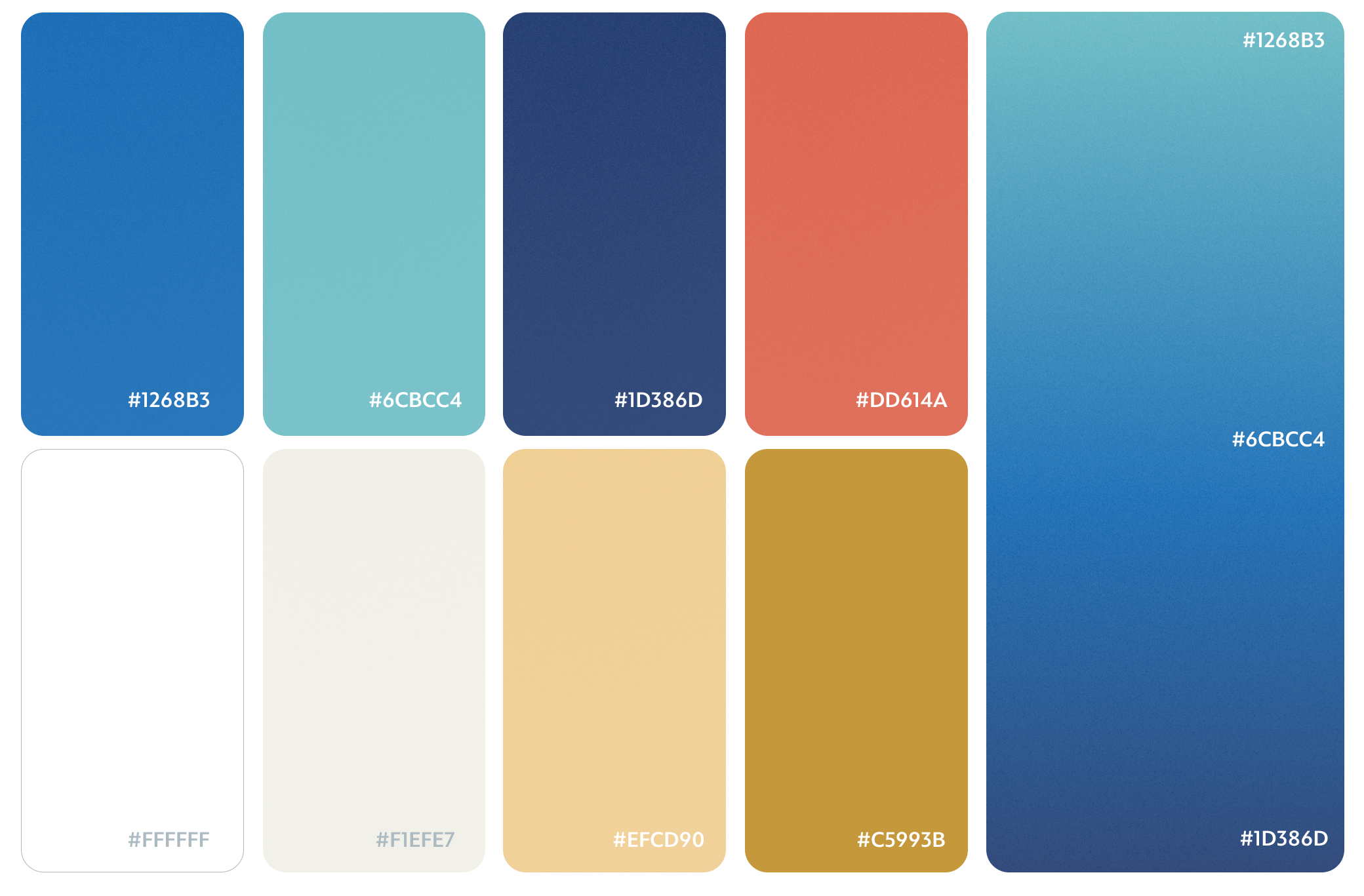
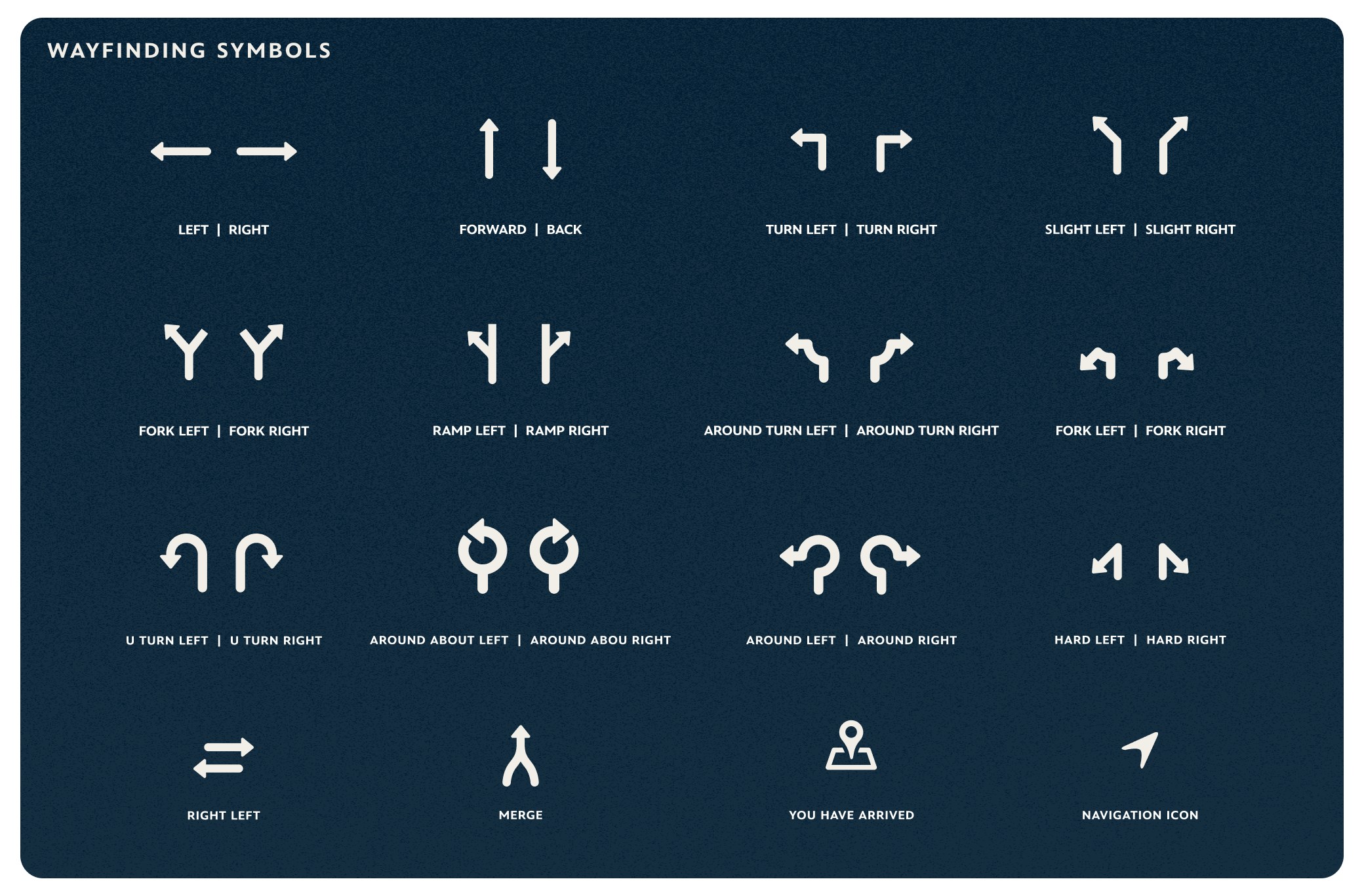
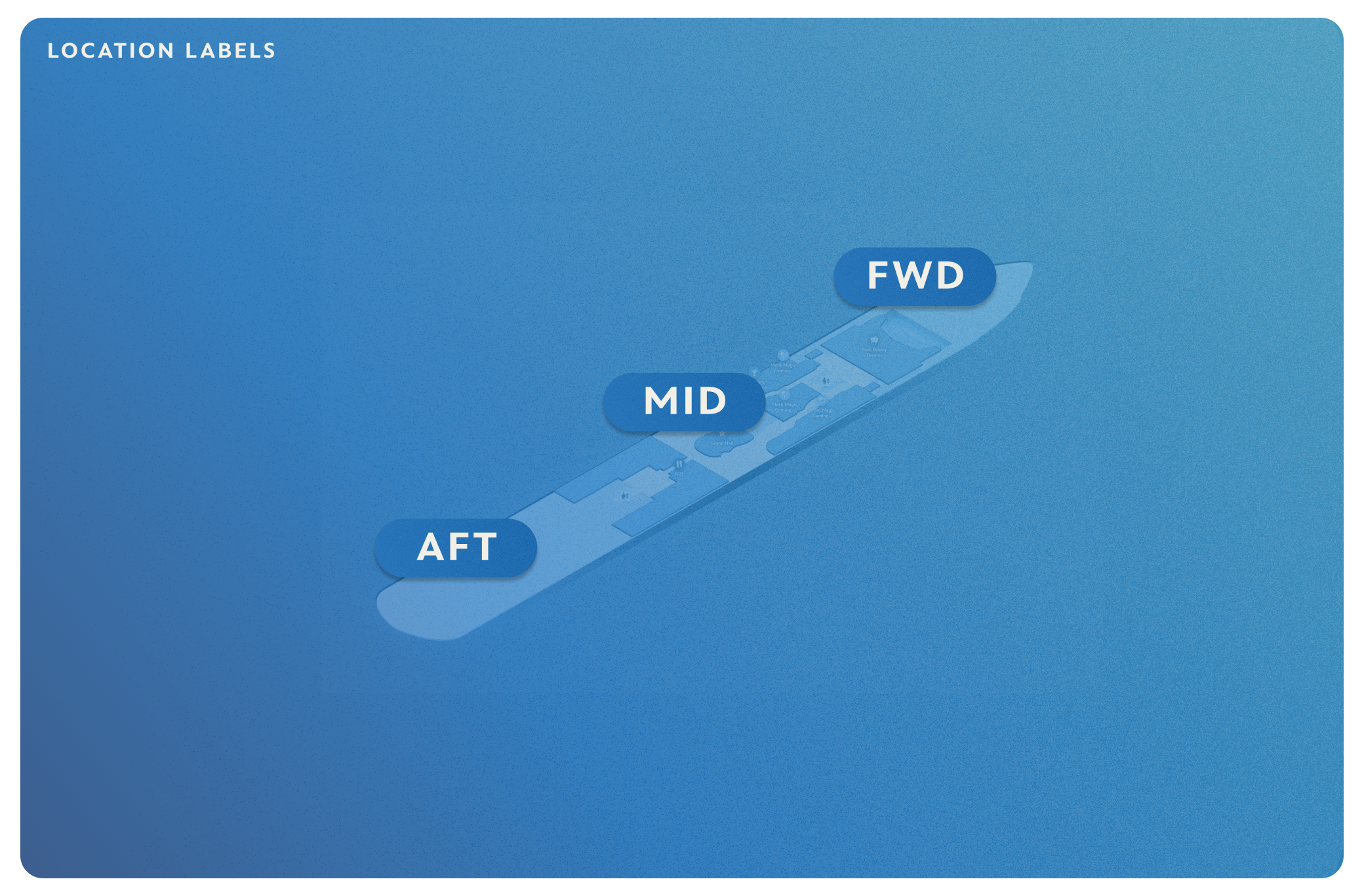
DESIGN TOOLKIT

COPYRIGHT 2026